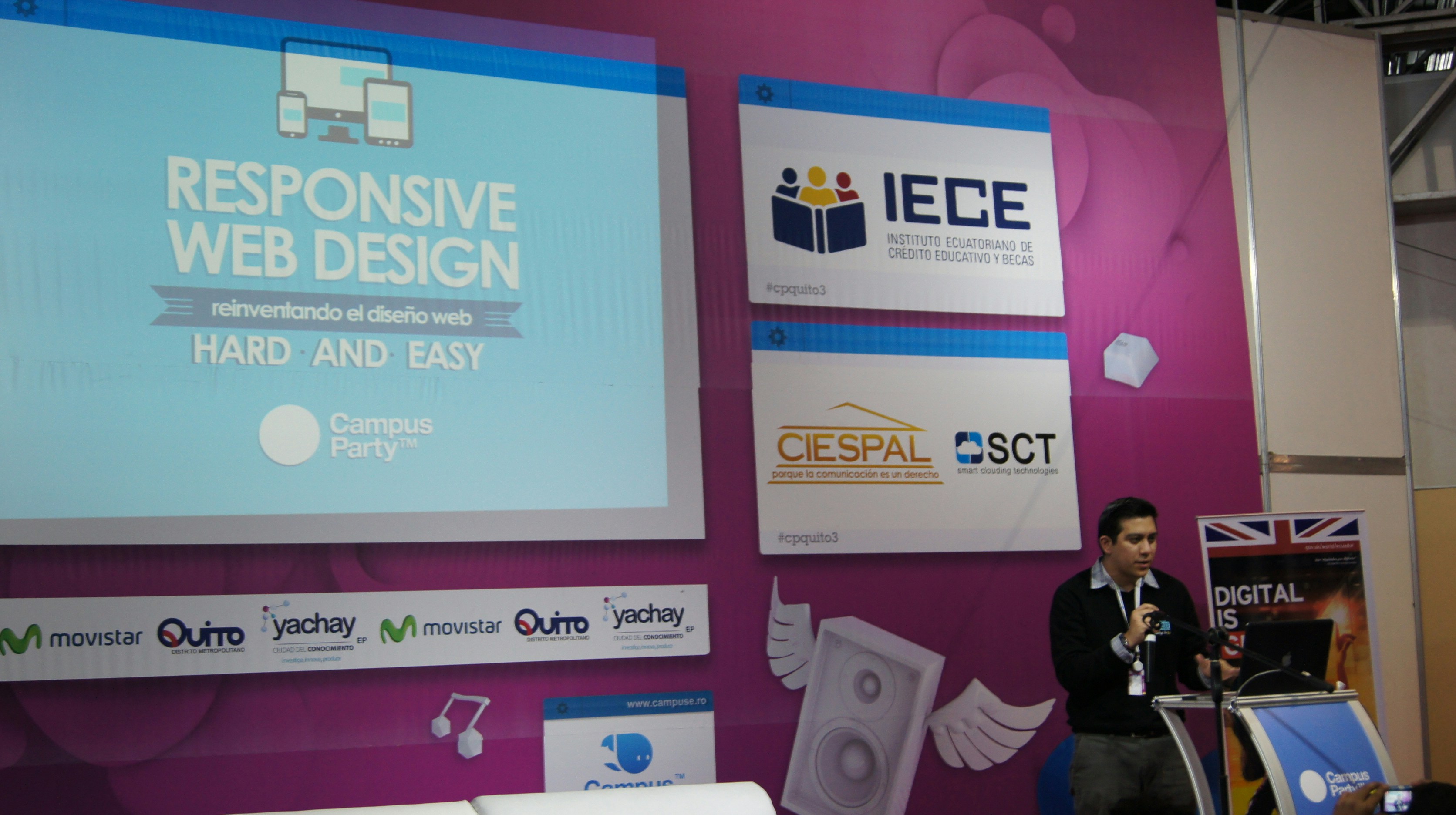
Introduction to WordCamp Events
WordCamp events are community-led gatherings dedicated to the WordPress platform, which serve as an opportunity for users, developers, and enthusiasts to connect, share experiences, and learn from each other. These events are typically organized independently within various localities around the globe, making them accessible to a diverse audience. Established in the mid-2000s, WordCamp has grown tremendously in popularity and relevance, resulting in hundreds of events being hosted each year. They not only foster collaboration among participants but also promote the open-source ethos of WordPress, allowing individuals to explore the latest advancements in the platform and its ecosystem.
The significance of WordCamp events in the WordPress community cannot be overstated. They play a pivotal role in cultivating a sense of belonging and camaraderie among users, developers, and contributors. Attendees have the opportunity to attend informative talks, workshops, and networking sessions, where they can gain insights into topics ranging from basic usage to advanced development techniques. Furthermore, these events encourage the sharing of knowledge and best practices, empowering attendees to apply what they learn to their own projects and initiatives.
Having a dedicated website for each WordCamp event is essential for its success. A well-structured website serves as the primary source of information for attendees and organizers alike, offering updates regarding the event schedule, speakers, registration details, and venue information. Moreover, it aids in promoting the event to potential participants, increasing visibility, and attracting a larger audience. A user-friendly platform enhances attendee experiences, making it easy for them to navigate through various resources and find pertinent information. As WordCamp events continue to evolve and expand, developing an efficient and informative website is crucial for creating an engaging and successful event in the WordPress community.
Designing the Homepage
The homepage of a WordPress website dedicated to your WordCamp event serves as the initial point of contact for attendees. Therefore, it is vital to design it in a manner that is welcoming while ensuring essential information is easily accessible. Start with a clear and engaging header that includes event details such as the name, date, and location. This makes it immediately evident to visitors what the event is about and sets the tone for what they can expect.
One of the most critical components of the homepage is a prominent registration button. Position this button in a visible area, preferably above the fold, to attract attention. Utilize contrasting colors that fit within your overall branding scheme to make it stand out. This ensures that visitors can easily locate the registration option, encouraging them to sign up without delay.
Additionally, the homepage should highlight the key features of the event, including information about speakers, sponsors, and the schedule. Consider using a grid layout for these elements, allowing for a visually appealing design that is also functional. Each speaker’s section can include a brief bio and photograph, creating a more personal connection with the audience. Sponsor logos can be displayed in a dedicated section, showcasing their support and potentially encouraging others to participate.
Visually, it is advantageous to use high-quality images and consistent typography to create a cohesive look. A color palette that reflects the WordCamp branding can also enhance the aesthetic appeal of the homepage. Don’t underestimate the importance of whitespace; adequate spacing between elements contributes to a clean and organized appearance.
Incorporating animated elements, such as hover effects or slideshows, can also engage users further while keeping the design professional. A well-designed homepage is paramount in not only attracting attendees but also providing them with the information they need to get excited about the event.
Creating an Engaging Event Schedule
Developing a dynamic and easily navigable event schedule is essential for any WordCamp event. A well-organized schedule not only provides attendees with crucial information but also enhances their overall experience. To achieve this, begin by categorizing the different types of content you will offer—such as keynote talks, breakout sessions, and workshops. Clear segmentation allows for streamlined navigation and helps attendees to quickly identify sessions relevant to their interests.
Each event entry in the schedule should include fundamental details such as the title of the talk, the name of the speaker, start and end times, and the room location. It is also advisable to incorporate brief descriptions of the sessions, ensuring that attendees can make informed decisions about which events to attend. This supplemental information serves to captivate potential participants and can deter the risk of overlap in interests.
Consider utilizing a grid layout for the event schedule, making it visually intuitive for users. Such a layout should reflect the chronological order of sessions while aligning them within their respective categories. For enhanced user-friendliness, include filtering options that will allow attendees to narrow down their choices based on specific tracks or topics of interest. As an additional step, incorporating color coding for different session types can further facilitate quick identification.
The use of modern web design techniques is instrumental in ensuring a smooth navigation experience. Prioritize mobile responsiveness, as many attendees will likely access the schedule on their smartphones or tablets. Including interactive elements, like buttons that link to speaker bios or detailed workshop descriptions, can engage users and provide a deeper understanding of the event offerings.
Overall, an engaging event schedule acts as a central hub for attendees, streamlining their WordCamp experience. By focusing on clarity, organization, and accessibility, you can significantly enhance user satisfaction and retention rates. The result will be a seamless and productive event experience for all participants.
Building the Speakers Page
Creating a dedicated speakers page is a vital component of your WordCamp website, as it provides a centralized location for attendees to learn about the individuals presenting at the event. This page should include comprehensive bios for each speaker, highlighting their expertise, professional background, and areas of interest. Incorporating detailed session topics can offer attendees deeper insight into what to expect from each presentation, allowing for informed decisions about which talks to attend.
In addition to presenting bios and session information, social media links for each speaker are essential. These links enable attendees to connect with speakers beyond the event, fostering ongoing engagement and dialogue within the community. It is beneficial to include a brief overview of each speaker’s previous speaking engagements or notable achievements, as this adds credibility and context to their presentations.
To enhance user experience, implementing a search function on the speakers page can greatly simplify the process of finding relevant content. This feature could allow attendees to filter speakers by topics or names, accommodating those with specific interests. For instance, if an attendee is particularly interested in web development or content strategy, they can quickly locate sessions related to those themes. It is advisable to ensure that the search function is both intuitive and visually integrated into the overall design of the page, so that users can navigate easily and efficiently.
Overall, a well-structured speakers page significantly elevates the appeal of your WordCamp event website. Not only does it provide valuable information to attendees, but it also reinforces the professionalism of the event. By focusing on clear bios, session topics, social media integration, and a functional search feature, you create a resource that supports the networking and learning objectives of all participants.
Highlighting Sponsors
Creating a dedicated sponsors page is a vital component of your WordCamp event website, as it not only expresses gratitude to sponsors but also enhances credibility. To effectively highlight your sponsors, start by categorizing them into structured levels such as gold, silver, and bronze. This segmentation provides a clear hierarchy that reflects their contributions and enables visitors to easily navigate the page.
When displaying sponsor logos, ensure that they are of high resolution and appropriately sized for clarity. A visually appealing layout can be achieved by grouping sponsors according to their levels. For example, prominently feature gold sponsors at the top of the page. Using a grid or aligned format can enhance readability, inviting attendees to recognize and appreciate the various sponsors supporting your event.
Alongside each logo, include a brief description that outlines the sponsor’s mission, services, or products. Aim for consistency in the format of these descriptions to maintain a professional appearance. Keep the content concise to retain the attention of the audience, allowing potential attendees to quickly understand who these sponsors are and what they represent.
Additionally, never miss the opportunity to link each sponsor’s logo to their respective websites. This not only directs traffic towards their online platforms but also fosters a sense of community within the WordPress ecosystem. It is a simple yet effective strategy for encouraging further engagement with your sponsors and shows that you value their support. Remember to verify that all links are functional and lead to the correct pages, avoiding any distractions for users.
By following these guidelines, you will create an impressive and organized sponsors page that enhances your WordCamp website’s professionalism while effectively showcasing the sponsors who contribute to the success of your event.
Setting Up Registration
Establishing a streamlined registration process is vital for the success of your WordCamp event. An efficient registration page not only facilitates easy access for attendees but also enhances their overall experience. To create this robust registration system, begin by selecting a suitable WordPress registration plugin that meets the specific needs of your event. Popular options like Event Espresso or WooCommerce provide comprehensive features, enabling you to create customizable registration forms tailored to your audience.
The design of your registration form should be intuitive and user-friendly. It is essential to include fields that capture necessary information such as attendee names, email addresses, ticket types, and workshop preferences. Utilizing conditional logic can help simplify the form, allowing it to dynamically display relevant options based on user selections, thus making the process of ticket purchases and workshop sign-ups more manageable for participants.
Incorporating secure payment gateways is another pivotal aspect of the registration setup. Ensuring that attendees can make payments safely through trusted platforms like PayPal or Stripe is crucial for building credibility and trust. These gateways facilitate a seamless transaction process, reducing the risk of cart abandonment. Furthermore, it is advisable to use SSL certificates to encrypt sensitive data during the payment process, ensuring that attendee information remains secure.
Providing clear instructions on the registration page, such as FAQs about ticket types, refund policies, and contact information for support, can further enhance user experience. After completing the registration, confirmation emails should be sent automatically to participants, serving as a reminder and providing essential event details. By prioritizing ease of use and security, your registration process can significantly contribute to the overall success of your WordCamp event.
Providing Valuable Resources
One essential component of a WordCamp event website is the resources page, which serves as a centralized hub for attendees to access various materials related to the event. This page plays a crucial role in enhancing the overall attendee experience by offering downloadable content such as presentation slides, handouts, and supplementary materials. By creating a well-organized resources page, event organizers enable participants to easily find and utilize the materials they need.
To effectively categorize resources, it is beneficial to structure them by session or topic. This organization allows attendees to navigate the resource page quickly and locate specific materials relevant to their interests. For instance, each session can have its dedicated section, featuring content from the speakers, including their presentation slides and any additional documents they wish to share. Utilizing clear headings and visual indicators will further help participants filter through the available resources.
Additionally, offering options for materials in multiple formats, such as PDF, audio, or video, accommodates diverse learning preferences and ensures accessibility. When compiling resources, it is essential to include detailed descriptions or summaries accompanying each item. This practice helps attendees understand the content and relevance before downloading, ensuring they can select materials that best fit their needs.
Moreover, maintaining an easily navigable interface is critical. Including a search function or clear filtering options will enable participants to locate materials swiftly. Regular updates should also be considered; as new resources become available or sessions conclude, adding these to the resources page is vital for keeping the content fresh and informative. Overall, a well-executed resources section not only benefits the attendees but also enhances the professionalism and organizational quality of the WordCamp event.
Engaging the Community Through Blogging
Establishing a blog section on your WordCamp website can serve as a vital communication tool, aimed at engaging the community and fostering a sense of connection among attendees, speakers, and organizers. Regular blog posts will allow you to share updates about the event, conduct interviews with speakers, and provide insights into the world of WordPress, all of which can contribute to a richer overall experience for your audience.
One of the primary benefits of maintaining an active blog is the opportunity to publish timely updates regarding the event. These posts can include important announcements, schedule changes, and reminders related to registration deadlines. By keeping the community informed, you not only ensure that attendees are aware of critical information but also demonstrate transparency and commitment to their participation. This level of communication cultivates a sense of trust between organizers and the community.
Additionally, a blog can serve as a platform for feature pieces, such as interviews with keynote speakers or workshop leaders. These posts allow readers to gain insights into the backgrounds and expertise of those presenting at the event. By showcasing the diverse talent attending your WordCamp, you create anticipation and excitement, encouraging more people to participate and enhancing the overall atmosphere of the event.
Sharing behind-the-scenes content can also significantly enhance community engagement. Posts detailing the planning process or showcasing team members can provide a personal touch, inviting attendees to connect on a more human level. This transparency can amplify the sense of community, making individuals feel like they are a part of the event’s journey. Ultimately, a well-maintained blog will not only serve as a repository of invaluable WordPress news but will also bridge the gap between organizers and attendees, fostering a more cohesive WordCamp experience.
Ensuring Effective Communication and SEO
Effective communication with attendees is a crucial aspect of organizing a successful WordCamp event. To facilitate this, it is imperative to create a dedicated contact page on your WordPress website. This contact page should feature an easy-to-use contact form that allows potential attendees, sponsors, and speakers to reach out with inquiries or feedback. Incorporating a map of the event location is equally important, as it helps participants navigate to the venue effortlessly, enhancing their overall experience.
In addition to communication, optimizing your WordPress website for search engines is vital for ensuring that your event gains the visibility it deserves. The implementation of SEO best practices can significantly enhance your website’s ranking on search engine results pages (SERPs). To begin with, it is essential to properly utilize meta tags. Title tags and meta descriptions should be carefully crafted to include relevant keywords associated with your WordCamp event, making it easier for search engines to index your site accurately.
Another important aspect of SEO optimization involves utilizing alt text for images. Alt text serves several purposes; it enhances accessibility for visually impaired users and provides search engines with context about the content of your images. This is particularly relevant for images of speakers, sponsors, or past events, as it can broaden your site’s reach online. Furthermore, ensuring that your website loads quickly can significantly impact user experience and SEO performance. A fast-loading site not only retains visitor attention but also aligns with search engines’ performance criteria.
By focusing on these elements, you will ensure effective communication with your audience while optimizing your WordPress website for better search engine visibility. This dual approach serves to promote your WordCamp event, ultimately leading to greater attendance and engagement.
Finalizing Mobile Responsiveness and Website Theme
As smartphone and tablet usage continues to rise, ensuring a mobile-responsive design for your WordCamp website is crucial. A mobile-responsive website adapts to various screen sizes, providing an optimal viewing experience across devices. This feature significantly enhances user experience, allowing attendees to access event information effortlessly, whether they are at home or on the move. Google also emphasizes mobile-friendliness as a ranking factor, making responsiveness an essential requirement for improving your website’s visibility in search results.
When selecting a suitable WordPress theme, it is important to consider how well it aligns with your event’s branding and overall goals. The theme should reflect the ethos of your WordCamp, incorporating elements such as color schemes, fonts, and imagery that resonate with the event’s identity. WordPress offers numerous free and premium themes that cater specifically to events, providing a strong starting point for customization. It is sensible to choose a theme that not only looks professional but also facilitates easy navigation, allowing attendees to find relevant information such as schedules, speaker bios, and registration details without undue effort.
Customization practices are vital in tailoring the chosen theme to better serve both attendees and organizers. Start by personalizing key elements such as your logo, header images, and primary colors to create an engaging visual appeal. Additionally, ensure that the navigation menu is straightforward and includes essential links like event schedules, tickets, and contact information. Utilizing plugins can also enhance functionality, such as integrating maps, ticketing systems, or social media feeds, further enriching the user experience. Remember to test the website across multiple devices and screen sizes to ensure reliable performance and optimal responsiveness.
Leave a Reply